Show Your Heart Rate in VRChat with OSC
Display your live BPM in VRChat chatbox and avatars directly from Pulsoid Desktop. Easy to set up, fully customizable, everything in one place.
Faster setup
Built into Pulsoid Desktop
Required a separate OSC tool to bridge Pulsoid and VRChat.
No extra tool needed. Pulsoid Desktop sends your heart rate directly from your heart rate monitor to VRChat via OSC.
Display Your BPM in VRChat: Chatbox or Avatar
Show your emotions in real time through your heartbeat
Show Your Live BPM in VRChat Chatbox
Pulsoid OSC automatically sends your heart rate to the VRChat chatbox while you play. Customize the message text and set different messages for different BPM ranges.
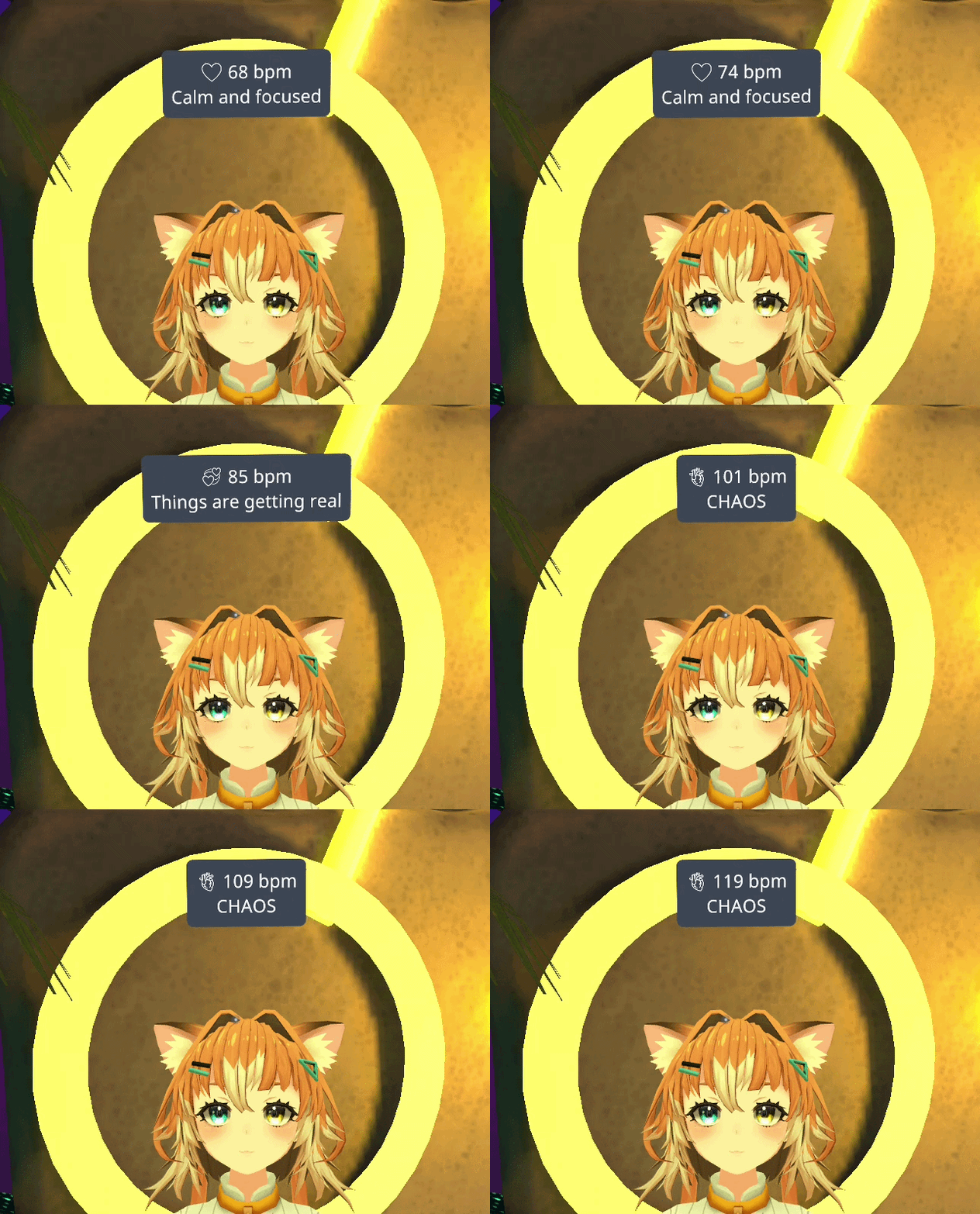
- Live BPM updates
- Custom message templates
- Heart rate range based messages
Show Your Live BPM on Your Avatar
Send your live heart rate to your VRChat avatar with OSC. Configure Pulsoid to transmit the parameters your avatar prefab uses, or use prefab compatibility modes for a quick setup.
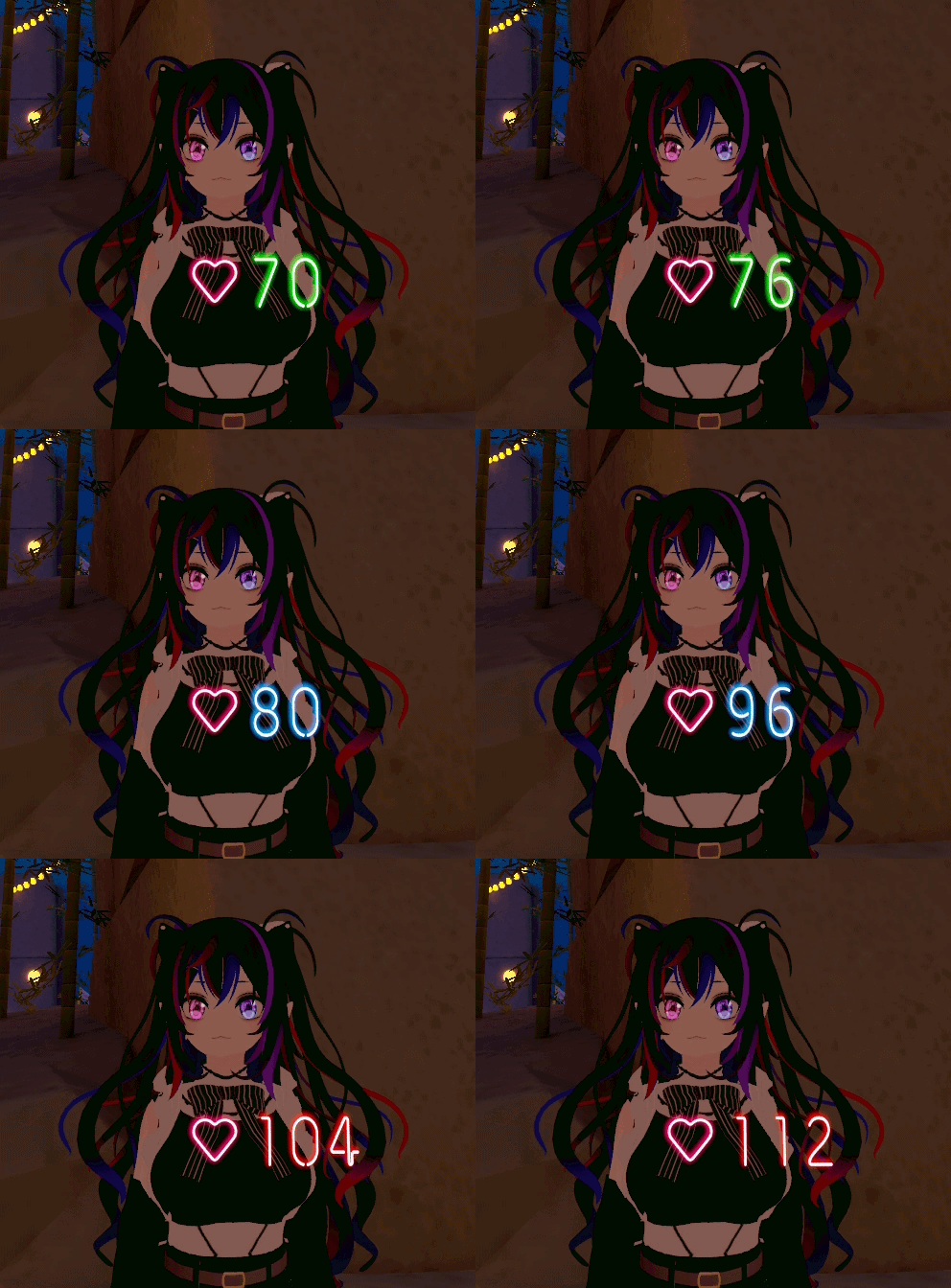
- Custom parameter paths
- Prefab compatibility modes
- 6 parameters types
Compatibility Modes for Popular Avatar Prefabs
Pulsoid OSC includes built-in compatibility modes that match the OSC parameters used by popular heart rate prefabs. If you already have a setup, migration is effortless.
Works alongside
| Prefab | Description | Status | Link |
|---|---|---|---|
| Pulsoid Glowy Heart Rate | A glowy heart rate on your avatar with full color customization and a heartbeat sound. | Supported | View prefab |
These are just a few popular examples. Pulsoid OSC is compatible with many more OSC avatar prefabs through configurable parameter paths and compatibility modes.
How to Show Heart Rate in VRChat
- 1
Install Pulsoid Desktop
Download and install the free Pulsoid Desktop app on your PC.
- 2
Connect your heart rate monitor to Pulsoid
Pair a Bluetooth chest strap or smartwatch as your live heart rate source.
- 3
Configure chatbox messages or avatar parameters
Set your message templates or map your avatar's OSC parameters.
- 4
Enable Pulsoid OSC
Turn on the OSC toggle so your BPM starts streaming to VRChat.
- 5
Launch VRChat
Open VRChat and watch your live heart rate appear in your chatbox or on your avatar.
Want the full walkthrough? Read the Pulsoid OSC setup guide
Pulsoid OSC can automatically start when VRChat launches for a seamless experience.